Stop overspending
on routine work.
A classification request and a difficult research task do not need the same model. Match each to the capability it needs—and the cost it justifies.
Manage inference costs →Know what each project, agent conversation, and application instance costs. Manage that spend, route work to lower-cost models, and test upgrades before you switch—all through Cortega.
A classification request and a difficult research task do not need the same model. Match each to the capability it needs—and the cost it justifies.
Manage inference costs →Calculate and manage costs by project, agent conversation, and application instance. See which work consumes the budget and where to act.
Manage costs by workload →Compare cost, quality, speed, and security on your workloads. Approve an upgrade because it performs better for your application.
Manage the model lifecycle →Keep premium models for the work that earns their price. Route routine tasks to suitable lower-cost or open-weight alternatives, with your quality and security requirements built into the choice.
Semantic routing matches the intent of a request to a suitable model. Least-cost routing selects the lowest-cost eligible option within your quality and policy requirements.
Run eligible workloads on open-weight models on-premises or privately hosted. Compare inference and hosting costs alongside quality and latency to decide where they offer the best value.
Lock an individual, team, or production agent to an approved model, regardless of the model requested. Load balancing, retries, and policy-approved failover help maintain service when a provider is unavailable.
Illustrative policy choices. Model suitability is established through evaluation.
Cortega calculates and manages AI costs at the level your business operates: projects, agent conversations, and individual application instances. Connect inference spend to the work it supports, even when that work uses multiple models.
Understand the AI spend associated with a project. Compare consumption across projects and use those costs to guide allocation and model choices.
Calculate the cost of an agent conversation across its requests. Identify conversations where repeated calls or expensive model choices drive up spend.
Track spend for individual application instances. Pinpoint which instances consume the most and manage costs where the usage happens.
Use workload costs alongside model, team, and provider totals to decide where to optimize, how to allocate budgets, and which model changes to evaluate.
Connect project, conversation, and application instance costs to the wider spending plan. Set allowances for individual agents, teams, and departments, and coordinate shared provider budgets.
Track tokens, requests, and cost by project, conversation, and application instance, alongside model and team totals. Find the workloads driving spend.
As funds run low, route eligible work to lower-cost models or constrain usage according to the department’s policy.
Apply budget limits at the gateway. Stop requests that exceed the applicable allowance when policy requires it.
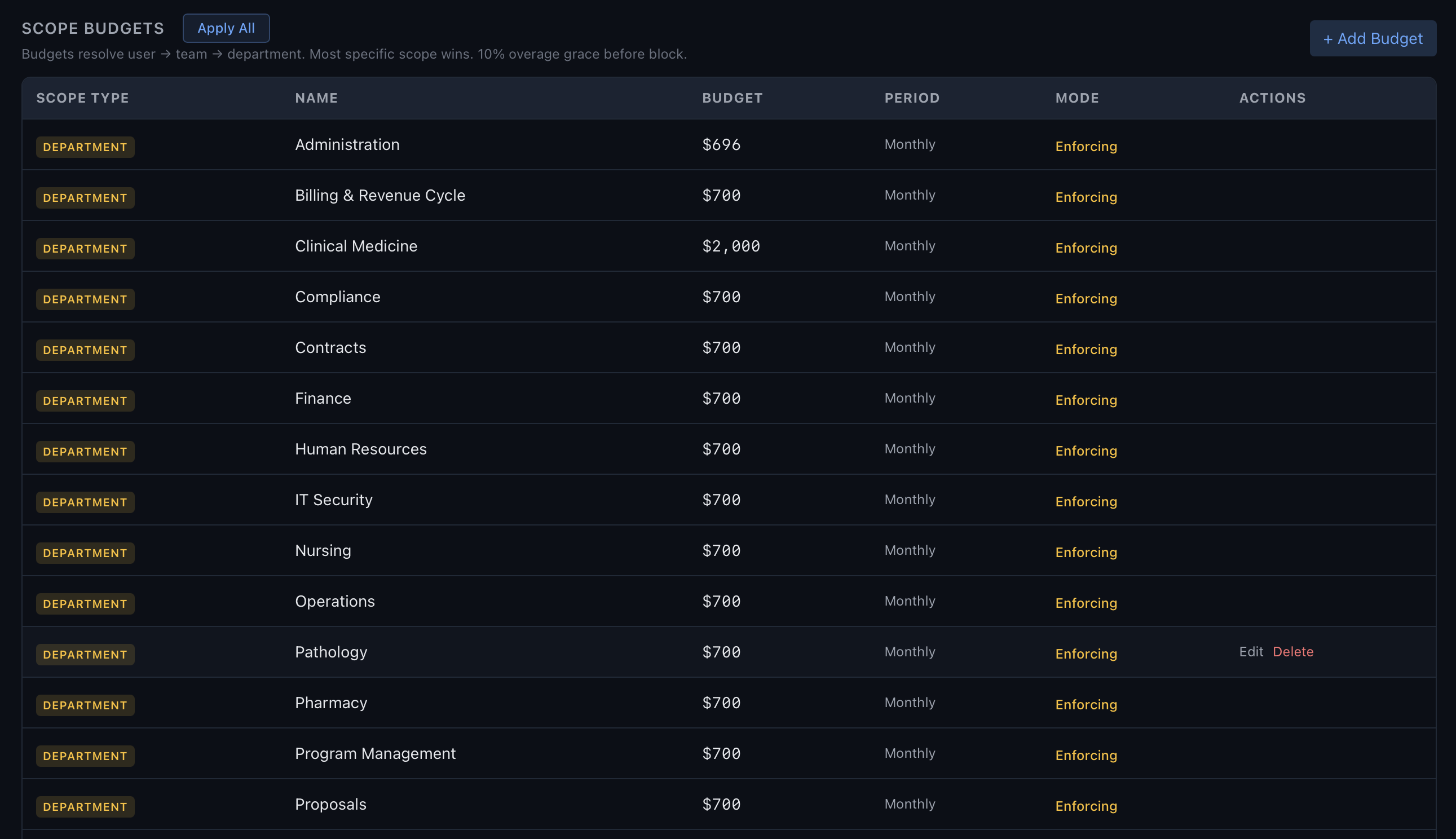
A cheaper model can cost more if its answers need rework. A stronger model can earn its price on demanding tasks. Cortega’s built-in studies compare the tradeoffs before you commit.
Review performance, volume, token counts, spend, and latency to understand what your applications need.
Rank alternatives against your workload. Compare quality, cost, response time, and error rates before choosing a candidate.
Run model studies and RedTeam benchmarks, including domain safety, prompt injection, and MCP tool behavior.
Approve the switch, apply it through routing, and monitor the resulting workload with approved fallback options available.
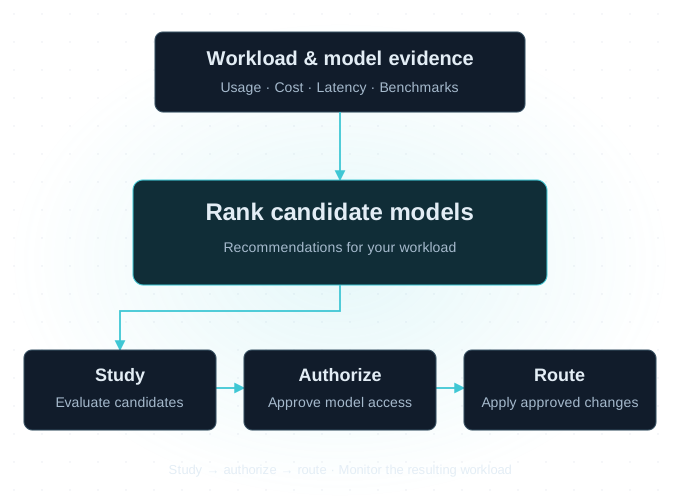
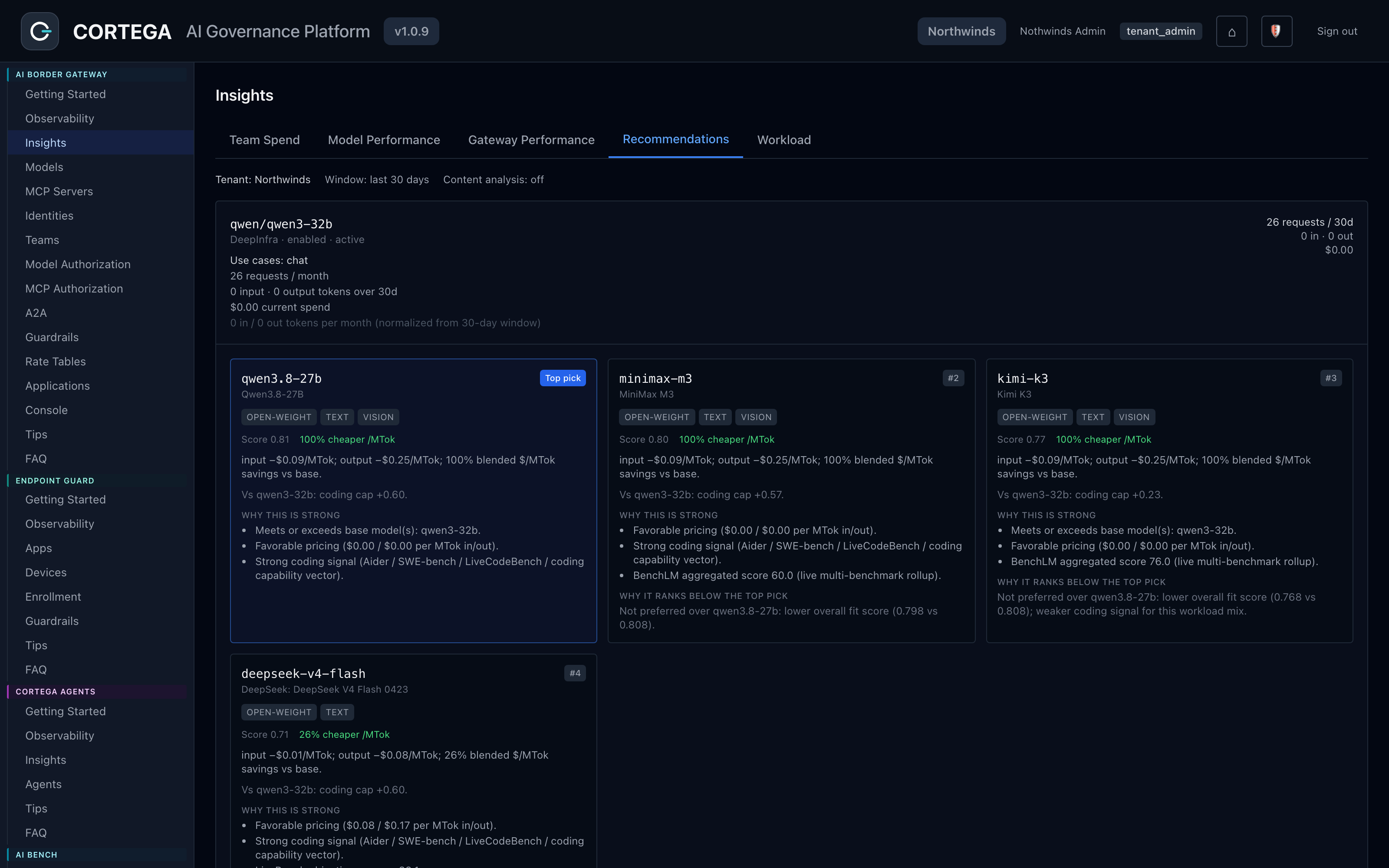
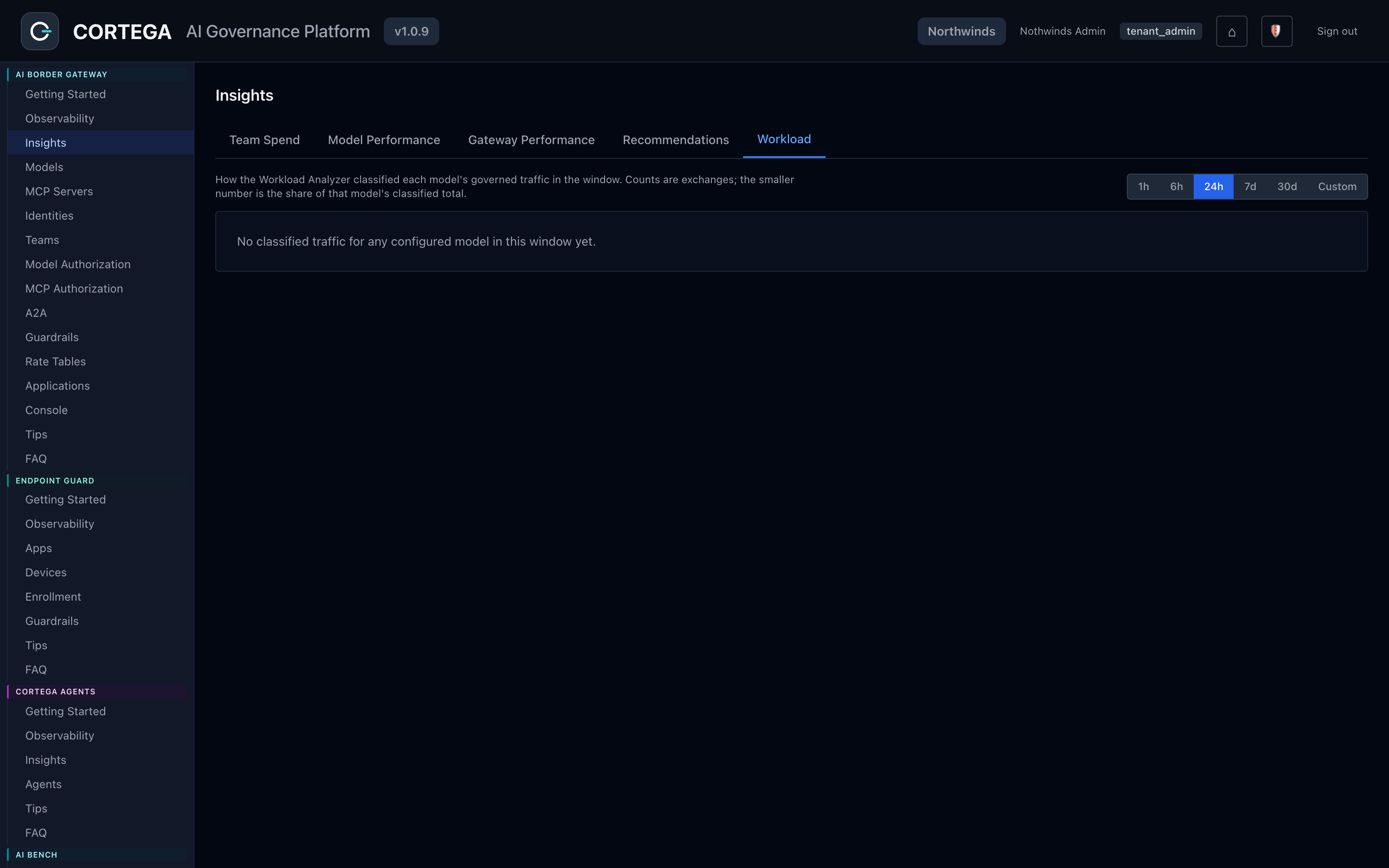
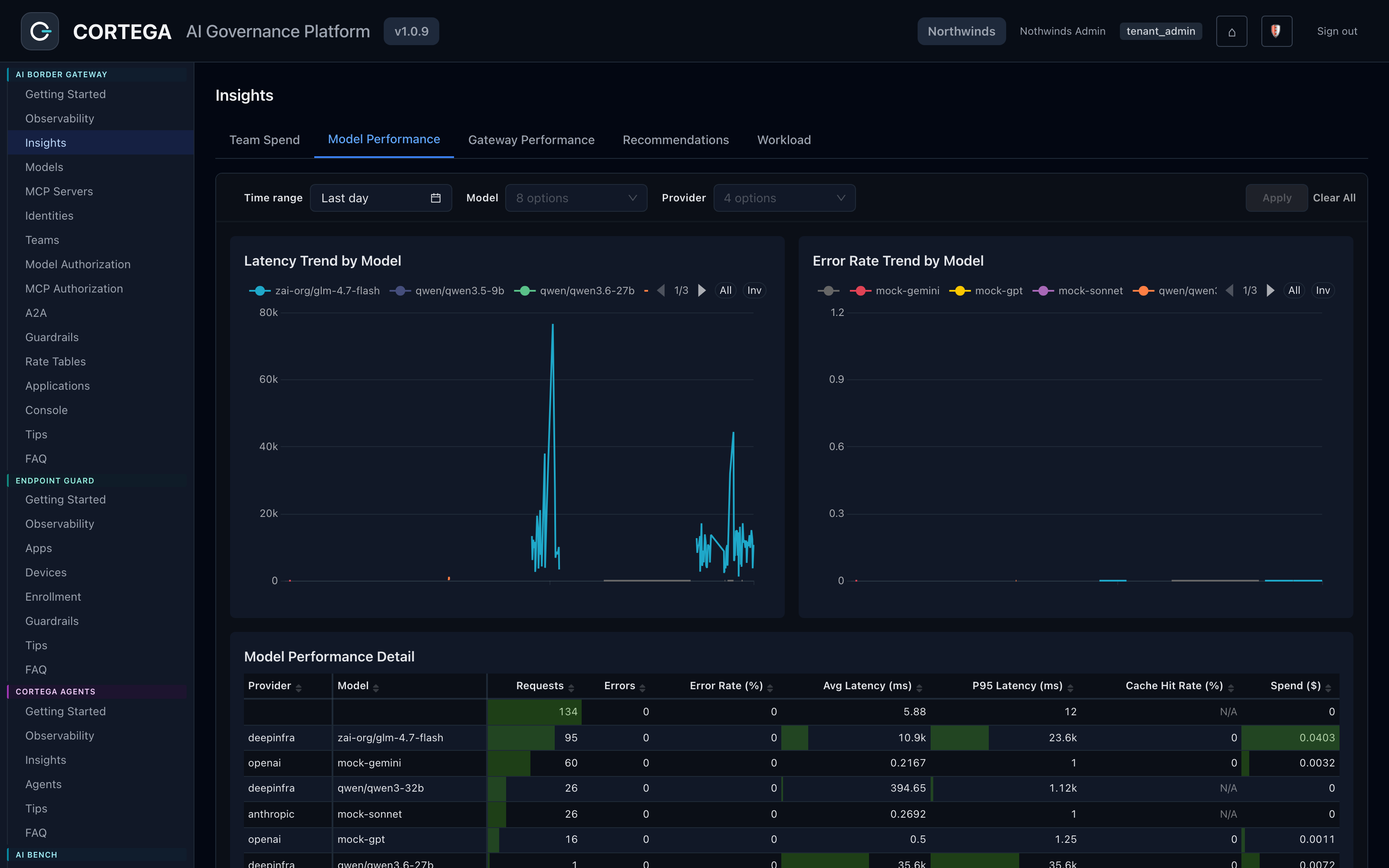
From the Cortega console · Insights.
Add Cortega boosters to improve security and research capabilities for specific applications. Test the model with and without them to measure the benefit and the added cost.
Pair the model with guardrails for prompt injection, sensitive data, and application policies. Test how the complete system handles unsafe requests and poisoned tool results.
Explore Agent Security →Add verification capabilities that check citations and supporting evidence. Help assistants produce research that reviewers can inspect, then test the results on relevant legal and research tasks.
Explore AI verification →Measure the whole configuration: model, boosters, quality, latency, and cost. Results depend on the model and workload.
PUT YOUR AI BUDGET TO WORK
Bring a project or agent workflow. We’ll show you how to calculate its AI costs, compare model choices, and manage spend.