01
Select the matter
Associate AI requests with the matter you are working on using the matter picker.
Explore Matter Agent →A private workspace for legal work with existing AI tools.
Work on documents using your favorite VS Code Plugins, including Claude and Codex. Choose the matter for your work, turn privileged work on and route Claude and Codex requests to a mix of Public and Private AI infrastructure.
Manage legal AI work from the editor, with a Cortega menu for the settings you use every day.
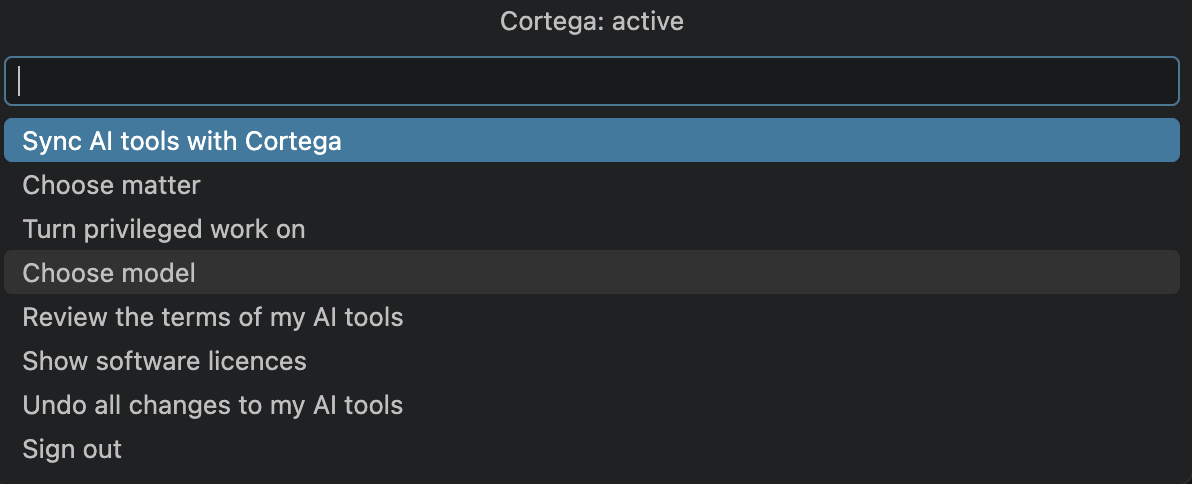

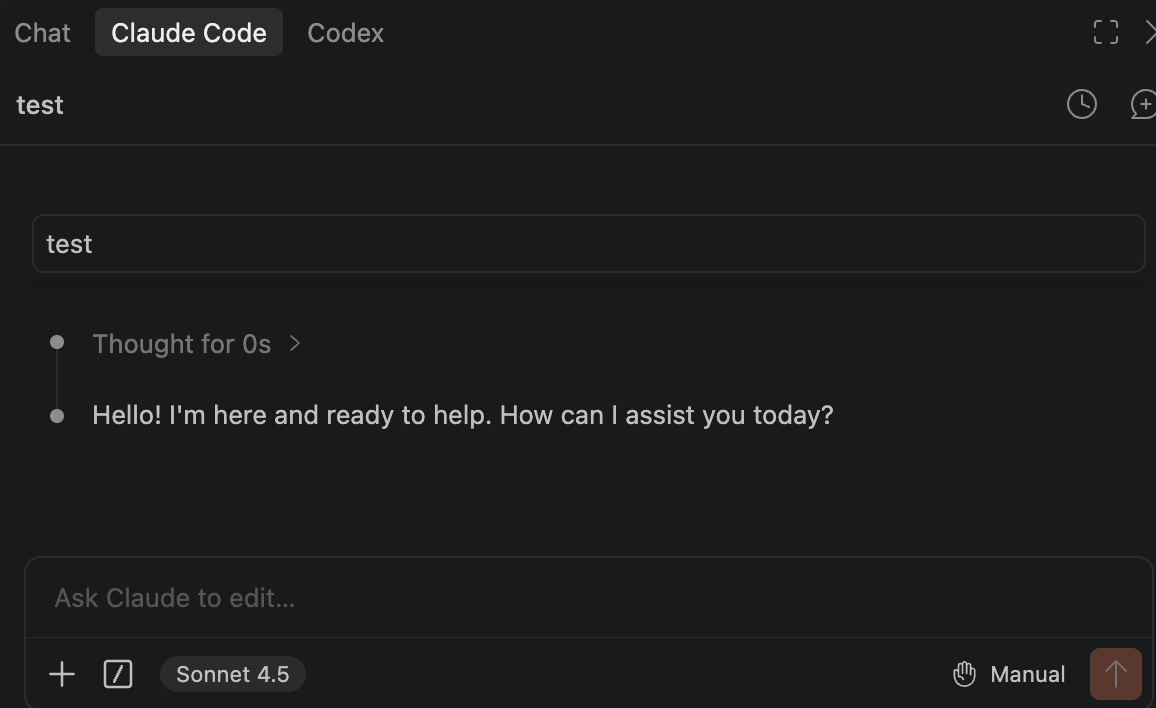
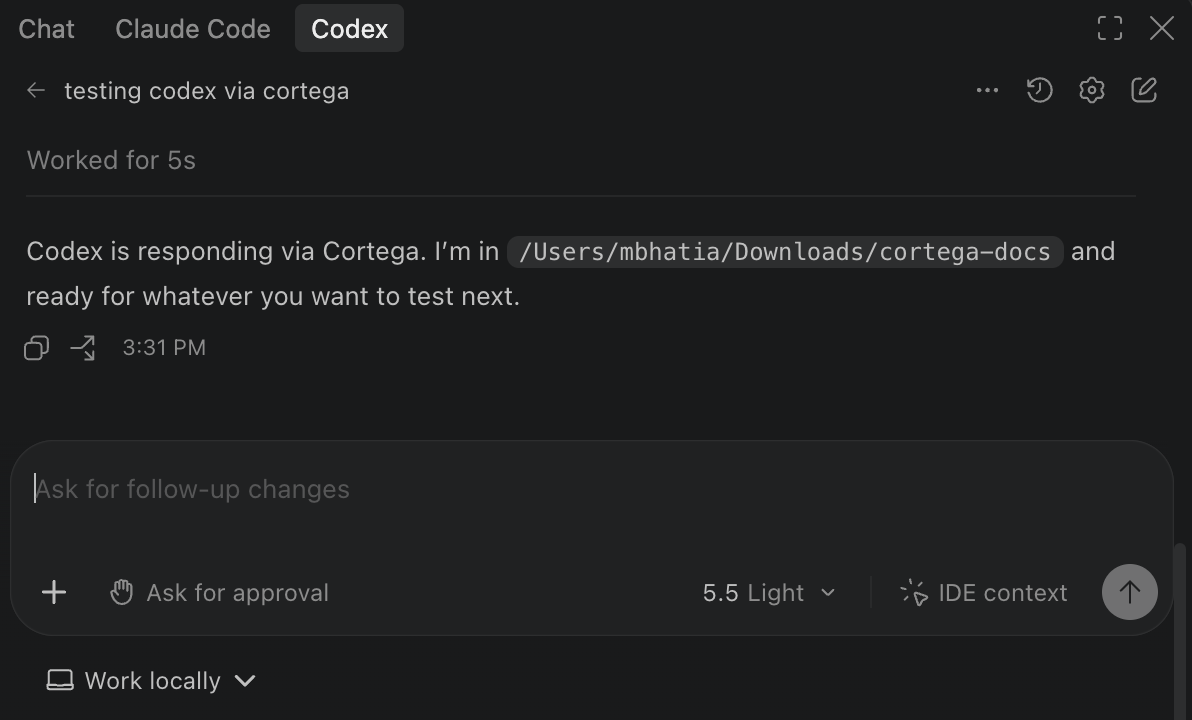
Cortega controls, matter selection, Claude Code and Codex in VS Code.
Associate AI requests with the matter you are working on using the matter picker.
Explore Matter Agent →Use the Cortega menu to turn privileged work on and choose a model, alongside your firm’s configured routing policies.
Explore privilege routing →Sync tools with Cortega, review their terms and software licences, and undo the changes to your tools from the same menu.
Run models and governance on infrastructure your firm controls.
Explore Private AI Infrastructure →Classify legal AI requests by sensitivity and route them under your firm’s data policy, keeping privileged work within the approved private environment.
Explore Privilege Classification & Routing Agent →Organize legal AI work around the matter at hand, with relevant context, approved model access and review of the resulting work product.
Explore Matter Agent →Check AI-generated legal citations in the existing workflow and surface questionable references for review.
Explore AI Verifier Legal →Improve the factual relevance and contextual accuracy of AI-generated document responses using the information available in the interaction.
Explore AI Verifier Documents →Build a discovery workflow on private AI infrastructure, combining document review, sensitivity-based routing and verification within the environment your firm controls.
Explore Discover Agent →Legal AI
Discuss your matter workflows, model choices and deployment requirements.