Find the AI already in use
ProblemUnapproved tools are difficult to govern when they are invisible.
CortegaDiscover AI activity on macOS and set application policies.
Bring employee AI use on macOS under control. Discover activity, prevent accidental data leakage, and govern approved applications. Enable Cortega Agents on selected endpoint traffic to add AI Signals and response verification.
Employees already use AI across desktop applications. Sensitive information can leave a device before central teams know which tools are in use.
ProblemUnapproved tools are difficult to govern when they are invisible.
CortegaDiscover AI activity on macOS and set application policies.
ProblemA prompt can include client information, credentials, or other sensitive data.
CortegaRun local checks and observe, mask, or reject matching traffic.
ProblemFleet deployments need device enrollment and consistent settings.
CortegaManage enrolled devices and application policies, with opt-in analysis for selected traffic.
A native agent applies application policies and local guardrails on employee devices. Supported assistants can also be configured to send model calls through AIBG.
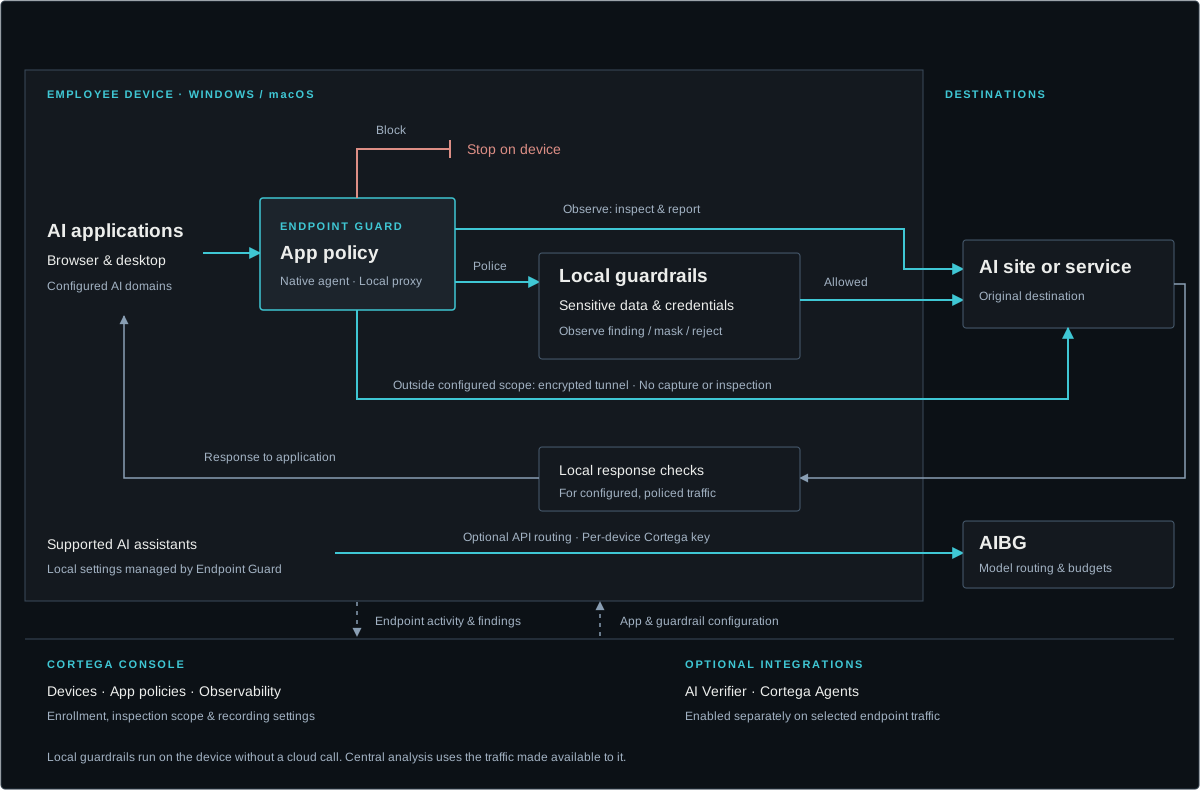
Observe and police modes inspect configured app domains. Police mode adds local guardrails; each guardrail can log, mask, or reject content on requests, responses, or both. Domains outside inspection scope remain encrypted.
Set recording and data-handling policies for endpoint observability. AI Verifier and Cortega Agents are enabled separately for selected traffic; they are not part of the local guardrail execution path.
An employee pastes a customer record, an internal identifier, or a credential into an AI assistant. Endpoint Guard applies local checks to governed requests and responses so your policy can determine what happens next.
Use detectors for identifiers such as Social Security numbers, payment cards, phone numbers, addresses, medical identifiers, and credentials. Add custom patterns for organization-specific terms.
Choose the action for each guardrail: log a finding, mask sensitive content, or reject the interaction. Apply checks to the request, response, or both for applications selected for inspection.
Start with an industry guardrail pack, then enable the detectors and actions your teams need. Device guardrails are configured independently from AIBG and can run without a cloud call.
Explore AI Data Protection →A native device agent covers supported, configured AI applications on macOS. Connect employee activity to an enrolled device instead of relying only on traffic that reaches a central gateway.
Bring supported browser and desktop AI use into view, including assistants such as ChatGPT, Claude, Copilot, and Gemini. Select which application domains are observed or policed.
Set observe, police, or block rules by application. Police mode adds local guardrails. Domains outside the configured inspection scope remain encrypted and are not captured or checked.
Route AI agent traffic from ChatGPT, Claude, Cursor, and others through AIBG over API. Control models and budgets, and observe every call, with all AIBG features available. Budgets apply only to routed traffic.
Explore Budget Management →
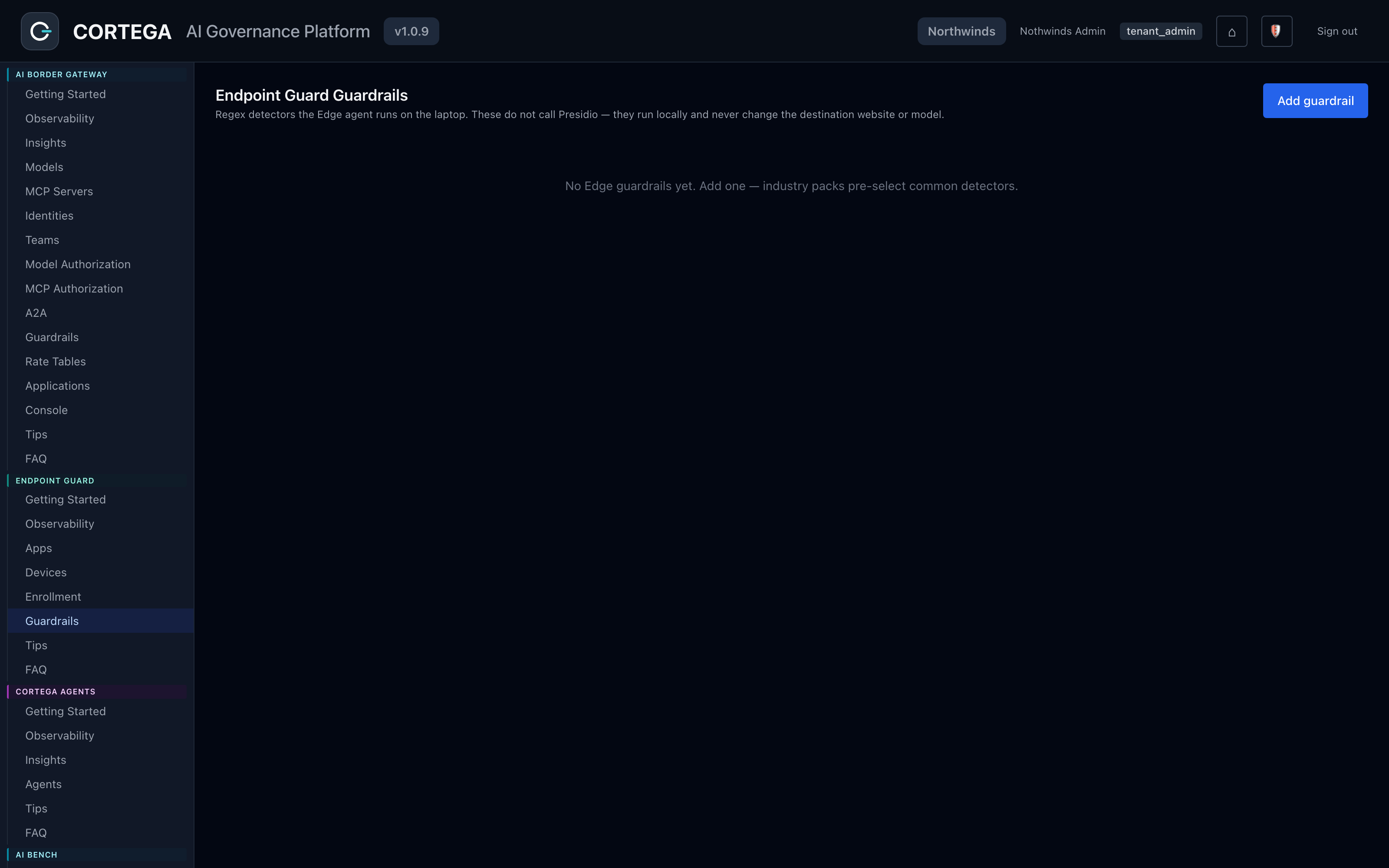
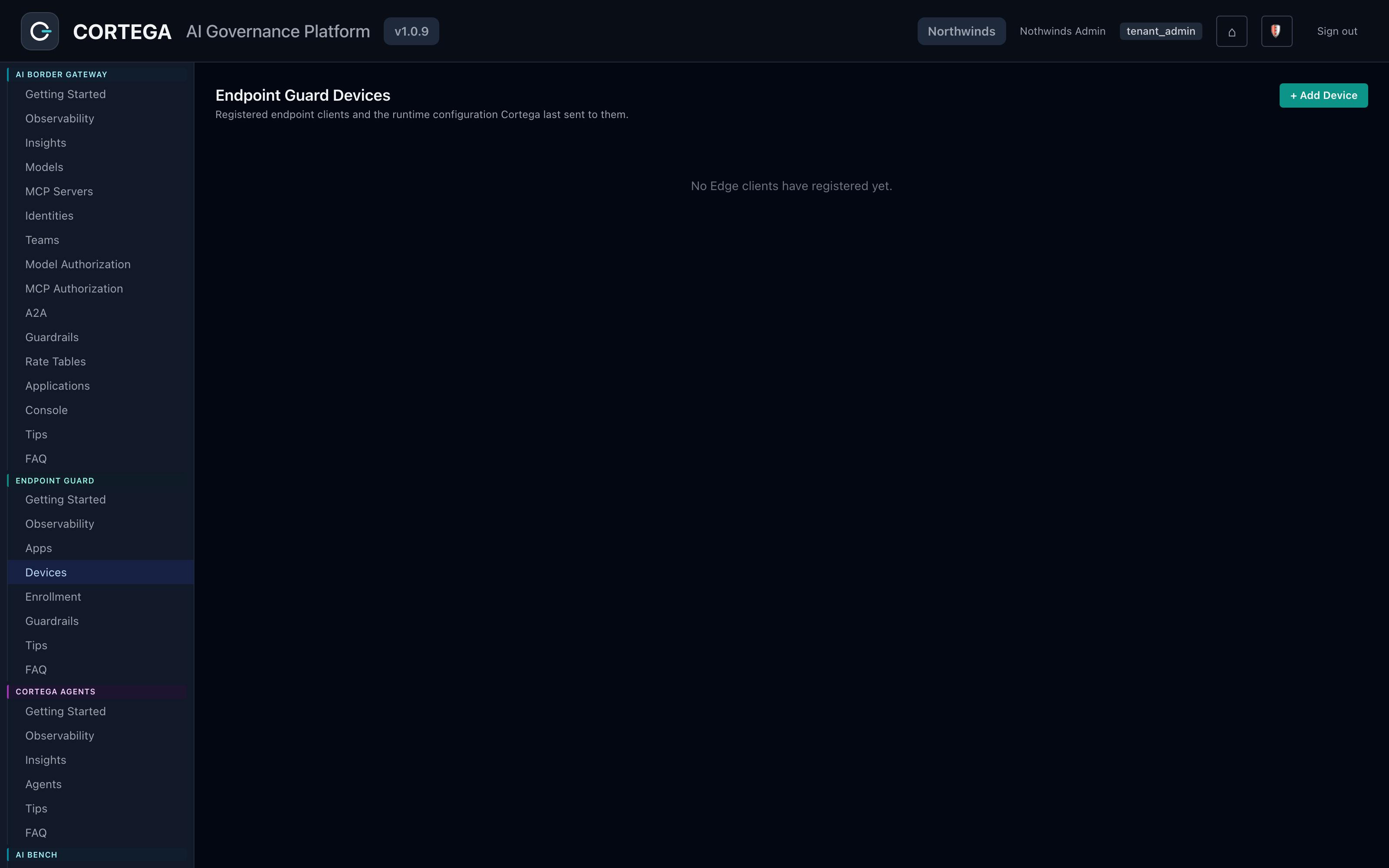
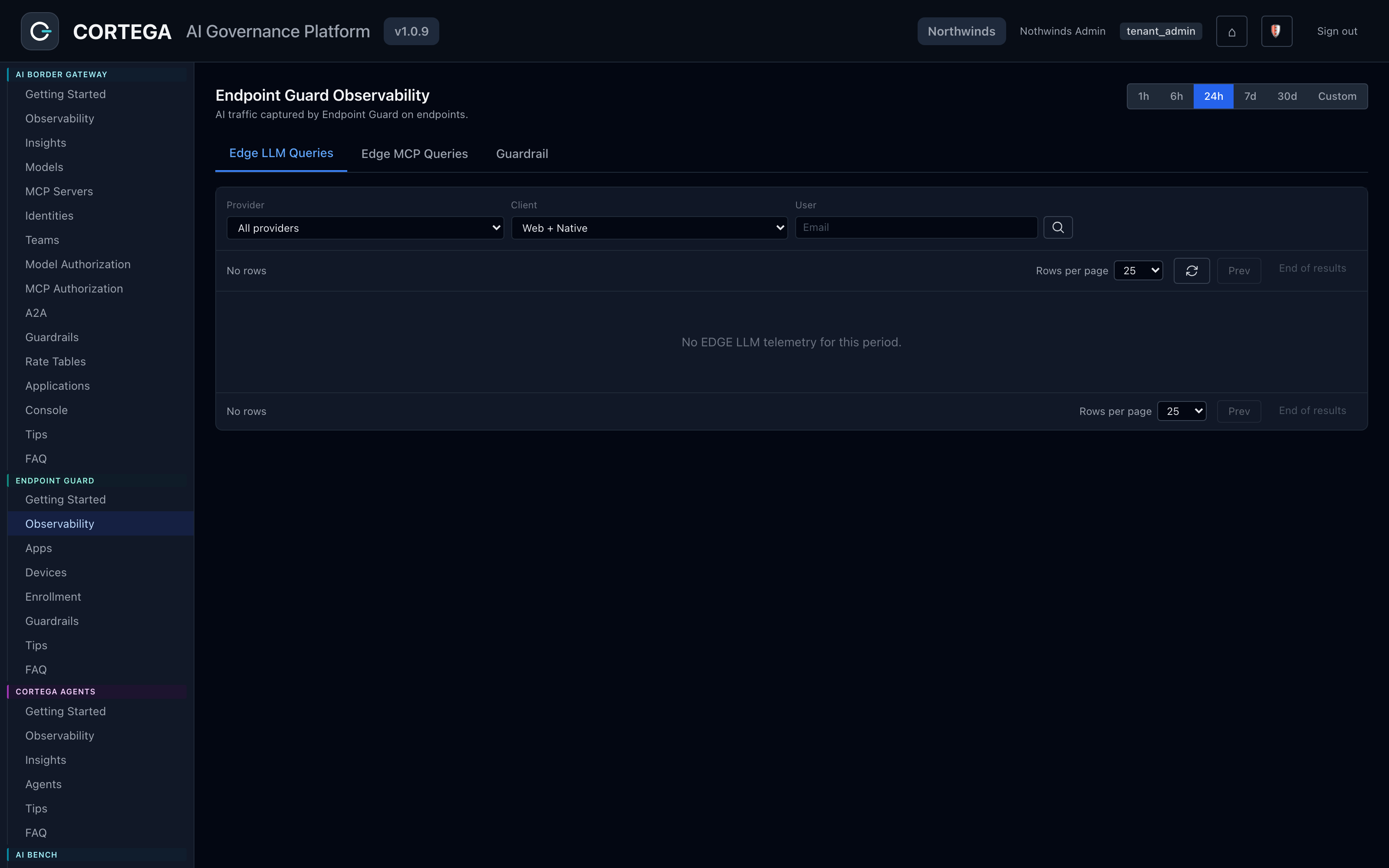
From the Cortega console.
Cortega Agents can analyze traffic recorded by Endpoint Guard, by AIBG, or both. Enable each analysis agent independently and opt in endpoint traffic or specific applications to turn employee AI activity into signals for administrators and analysts.
Identify frustration spikes and conversations that may need review or intervention.
Assess conversations against your rubric. Score quality and adherence to the rules your team defines; Compliance analysis requires a rubric.
Group recurring needs and classify exchanges by workload. Pair Workload Analyzer with Model Intelligence to inform model recommendations from actual use.
Find patterns in resource consumption and opportunities to use models more efficiently. Bring those findings into budget and model decisions.
Spot repeated loops, wrong-tool choices, or agents giving up. Review where a supported agent workflow went off course.
Use Aegis to watch for unusual traffic patterns and raise notifications, with an interactive chat agent for your team’s investigation.
Explore AI Signals →Local detection does not require a cloud call. AI Signals works on recorded traffic that an administrator explicitly makes available to Cortega Agents.
Select the applications and domains to observe or police. Only configured domains are decrypted for inspection; traffic outside that scope remains tunneled.
Most Cortega Agents are off by default. Choose the traffic sources each enabled agent may read and configure recording, data handling, and retention for your deployment.
Read about Cortega Agents →Add AI Verifier to the governed workflow so employees can receive verification findings while using their AI assistants.
Check policy violations and legal citations, and improve factual relevancy and contextual accuracy using information available in the interaction. No plugin, file upload, or preloaded context is required for the primary workflow.
Explore AI Verifier →When AI Verifier reviews Endpoint Guard device traffic, its desktop app can send a native notification to the person who received a flagged answer. Other Cortega Agents provide analysis for administrators and analysts.
Enroll devices, choose application policies, configure local data protection, and enable the analysis sources your organization needs.
Install a native agent that runs as a system service before login, with no per-user setup. Manage enrolled devices by user, hostname, and device identity.
Use an MDM rollout with per-device certificates for managed fleets, or self-service enrollment for an administrator-managed pilot. Review the deployment guide for your environment.
Read the deployment guide →Local guardrails continue to run if the device cannot reach Cortega. AI traffic continues by default; a stricter block-on-failure posture is available when required.
For supported coding tools, Endpoint Guard can configure approved clients to use AIBG with governed credentials. Model routing, centralized provider keys, and gateway controls then apply to those calls.
Explore Coding Tools →Endpoint Guard covers configured employee applications on the device. AIBG governs application and agent calls routed through the gateway. Pair them for shared visibility and analysis across both sources.
Use AIBG for model routing, MCP server and tool authorization, application-specific inspection, and customer or tenant operations.
Explore AI Border Gateway →Choose the applications to govern and the information to protect first. Then enable the Cortega Agents and verification capabilities that address your team’s review needs.
Endpoint Guard documentation →MAKE YOUR NEXT MOVE
Explore how Cortega fits your AI environment.