Find the AI tools your employees already use, stop sensitive data from leaving by accident, and govern the tools you approve. Endpoint Guard runs on Windows and macOS devices.
Discover AI appsLocal data protectionApp and device policy
Employees adopt AI tools faster than IT can approve or configure them. Some of that use sends company data to a provider nobody vetted, and without a way to see it, there is no way to tell which. Endpoint Guard brings that use into view and under policy.
Today
Employees use AI tools nobody approved
Employee deviceDesktop app · browser assistant · local MCP tool
Customer recordsSource codeCredentials
AI provider nobody vettedOutside every control
✕IT cannot see which AI tools are in use
✕Company data reaches providers no one reviewed
✕No policy, budget, or record applies
✕Gateway controls never see this traffic
With Cortega
Policy runs on the device itself
Employee deviceEndpoint Guard native agent · Windows and macOS
App policy and local guardrailsObserve · Police · Block
Original destinationAllowed traffic, unmodified
Cortega consoleFindings and device records
✓Every AI app in use is discovered
✓Sensitive data is masked or rejected locally
✓Unapproved apps are blocked
✓Assistants route through your gateway with budgets
Why Cortega
What you get
ChatGPT in the browserObserved
Desktop AI appObserved
Local MCP toolObserved
Discover AI apps
ProblemA desktop app, a browser assistant, or a local MCP tool never touches a gateway.
CortegaObserve catalog AI apps on the device and report what was used, with no change to the user’s workflow.
ProblemA device that cannot reach the control plane should not stop work or skip protection.
CortegaGuardrails run on the device with no cloud call. If the device cannot reach Cortega, AI traffic keeps working, with a stricter block-on-failure option.
GeneralHealthcareFinanceGovernment
Plus custom patterns for your own terms
Tune to your industry
ProblemA bank and a hospital worry about different data.
CortegaStart from a General, Healthcare, Finance, or Government pack. Switch detectors on or off and add custom patterns.
Claude CodeCursorAider→AI Border Gateway
Control models, budgets, and observability
Route assistants through your gateway
ProblemCoding assistants send model calls straight to a provider.
CortegaConfigure Claude Code, Cursor, Aider, and other supported tools to use AI Border Gateway with one Cortega key per device.
ProblemA fleet, a pilot, and a lab test need different enrollment.
CortegaUse MDM with per-device certificates for a fleet, self-service for admin-managed pilots, or a shared key for internal testing.
App inspection covers supported, configured domains on Windows and macOS. Domains outside the configured scope stay encrypted and are not captured or checked.
In the console
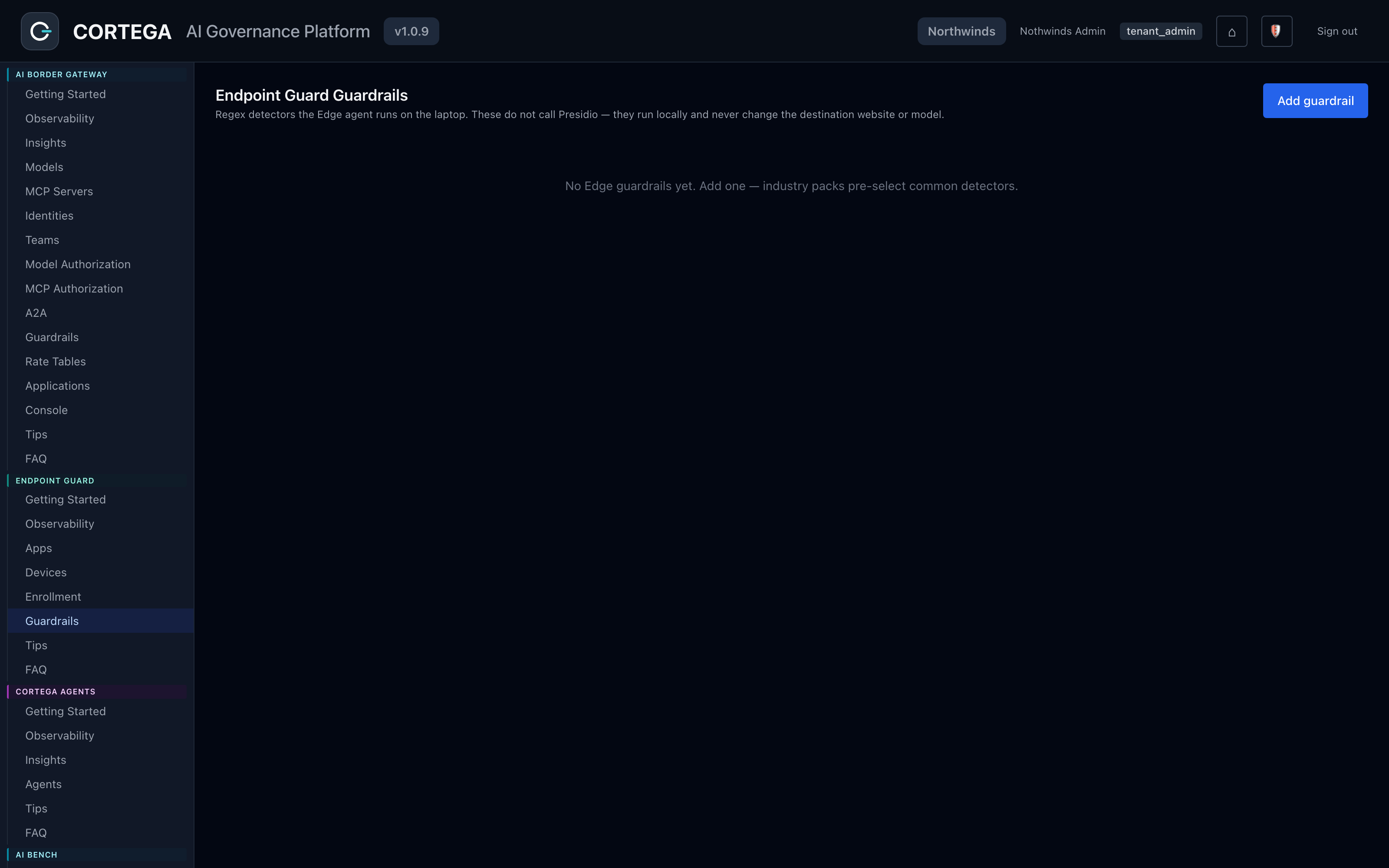
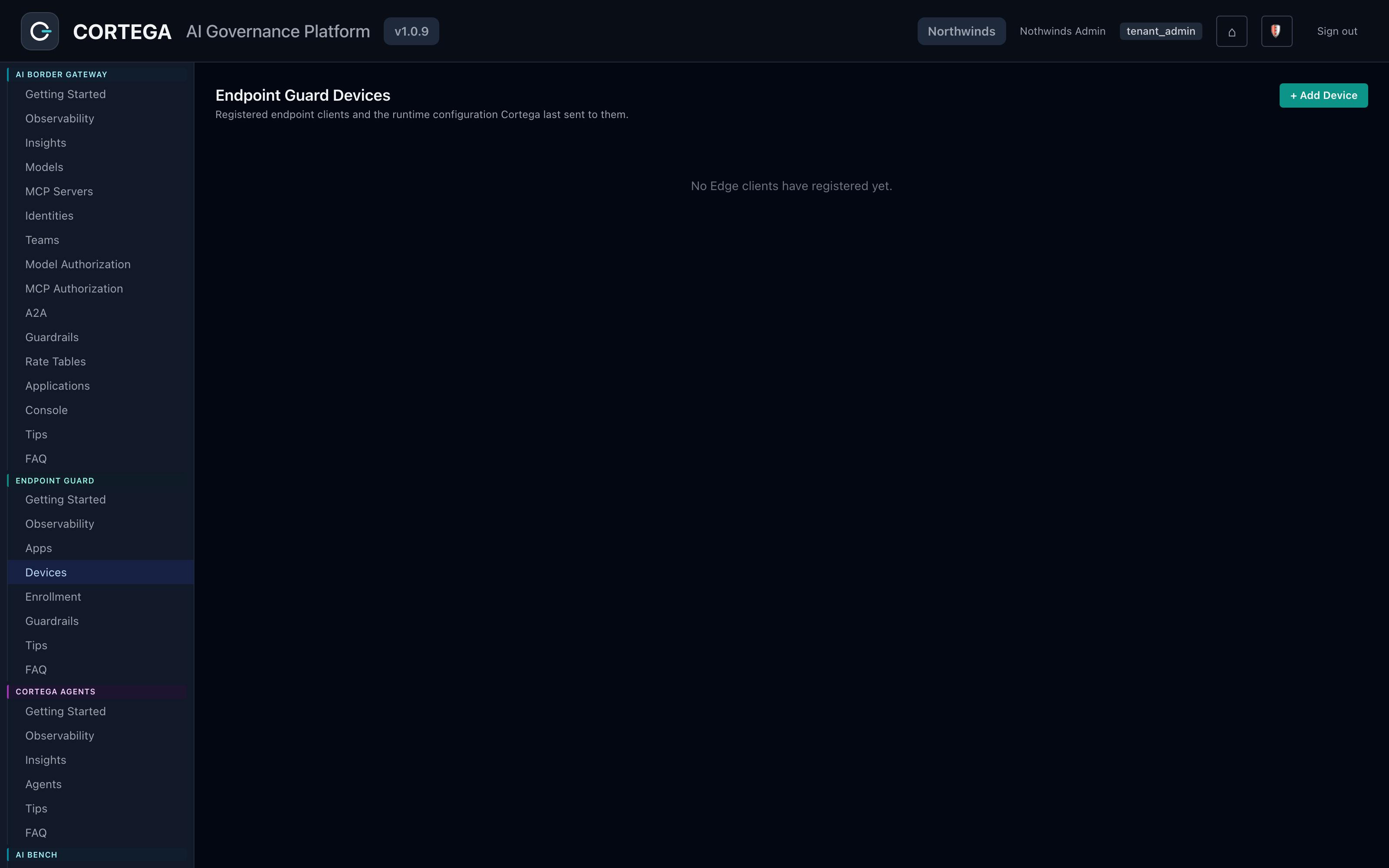
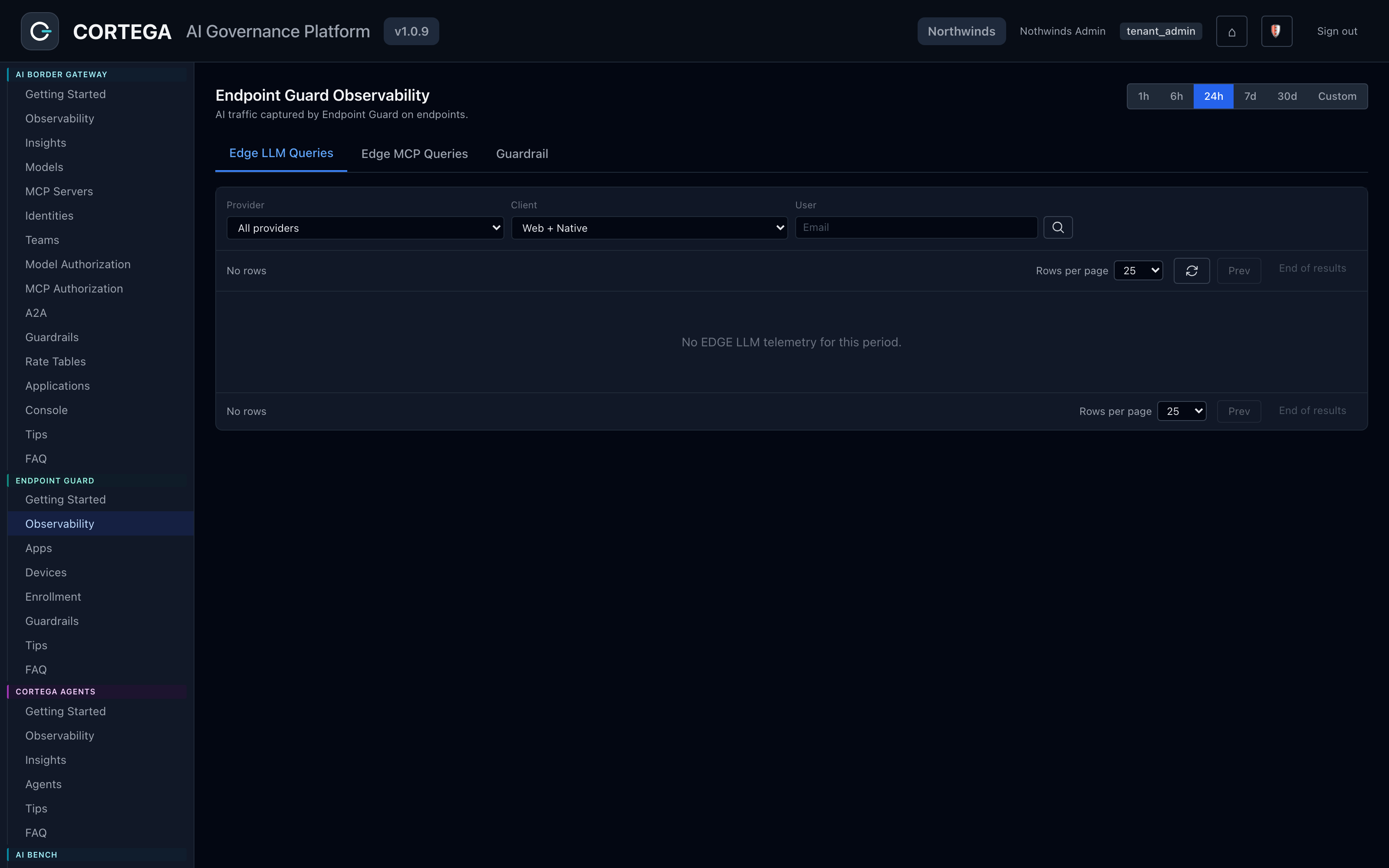
Manage applications, guardrails, and enrolled devices.
App policy
From the Cortega console.
Shadow AI
See the AI use you cannot see today
Start with the devices, the AI apps in use, and the data you need to protect.